There are different types of accounts in SIHOT.
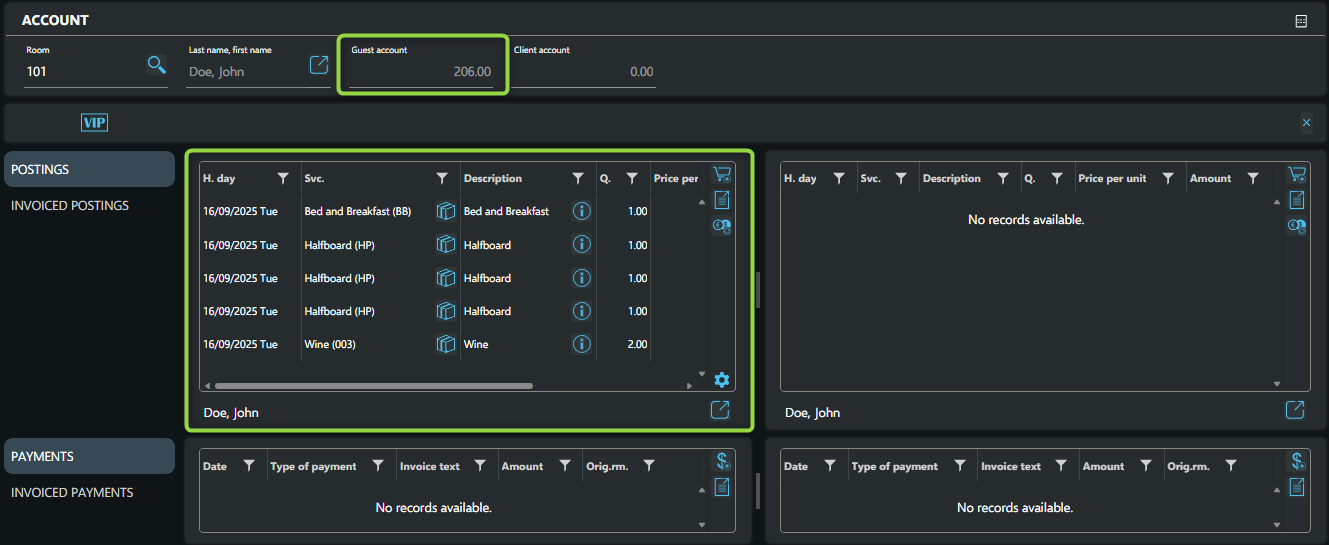
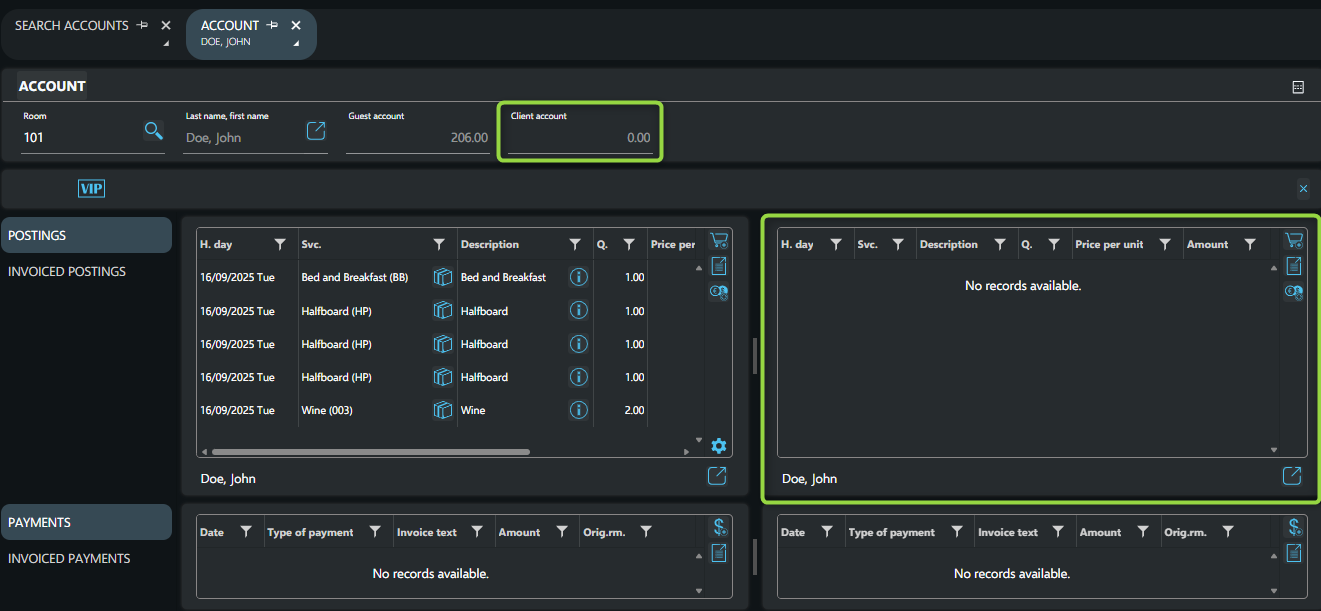
Guest and Client accounts are created automatically during check-in for each room. They are used to manage the charges incurred during the guest’s stay.
These accounts are shown side by side in the SIHOT interface.
A Group account is used when multiple rooms are booked under the same reservation. All charges related to these rooms are grouped under the same account, following the payment instructions in the reservation.
This account type is used for handling deposits. It is created automatically when a deposit requirement is entered in the reservation.
Miscellaneous accounts are flexible accounts that can be used for various purposes. Examples include billing for banqueting services, or handling charges for non-guest visitors (e.g., conference attendees).
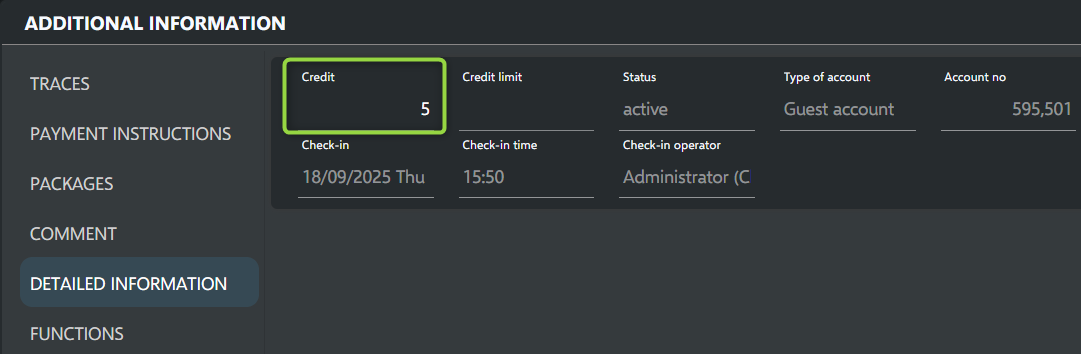
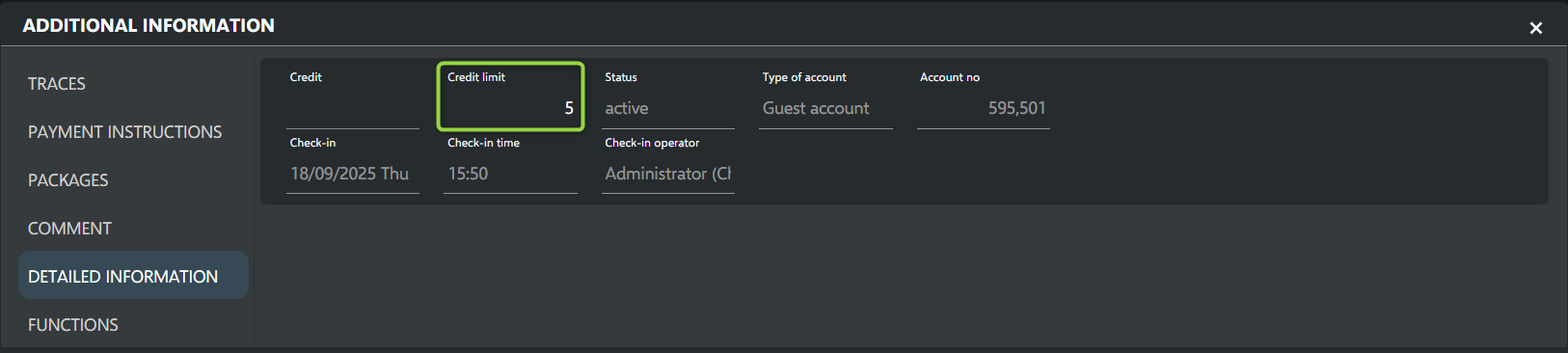
The “Credit” field is used in various F&B interfaces, to define a limit for charges posted via the restaurant POS to a guest’s account. If a charge would cause the account balance to exceed this limit, the posting will be declined.
If the field is empty (Credit limit = 0), this typically means there is no limit.
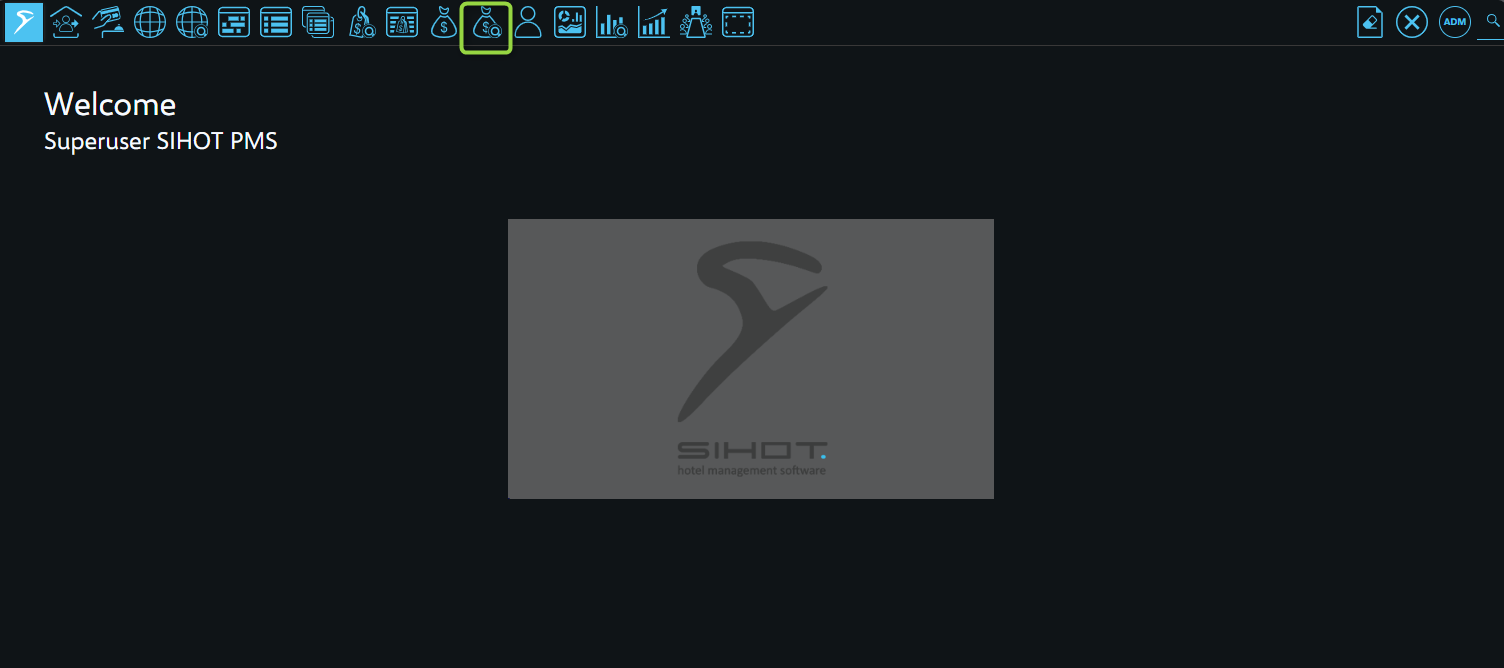
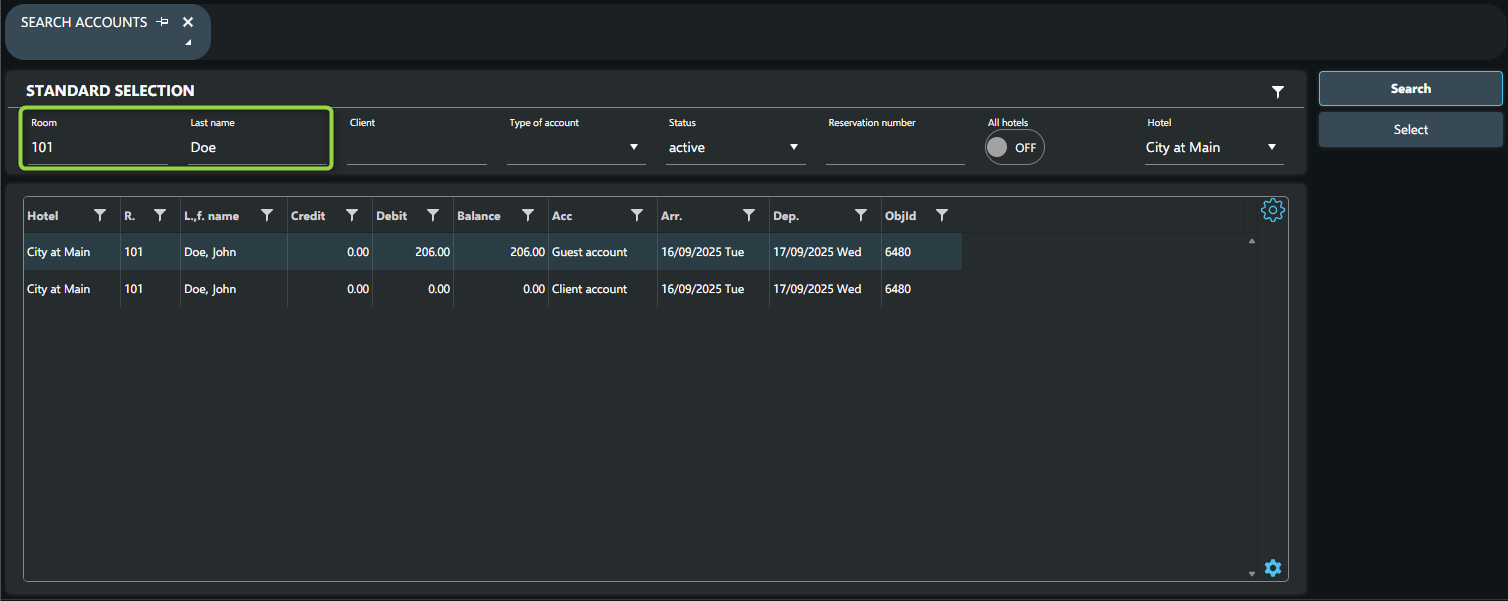
To define a limit in the account: